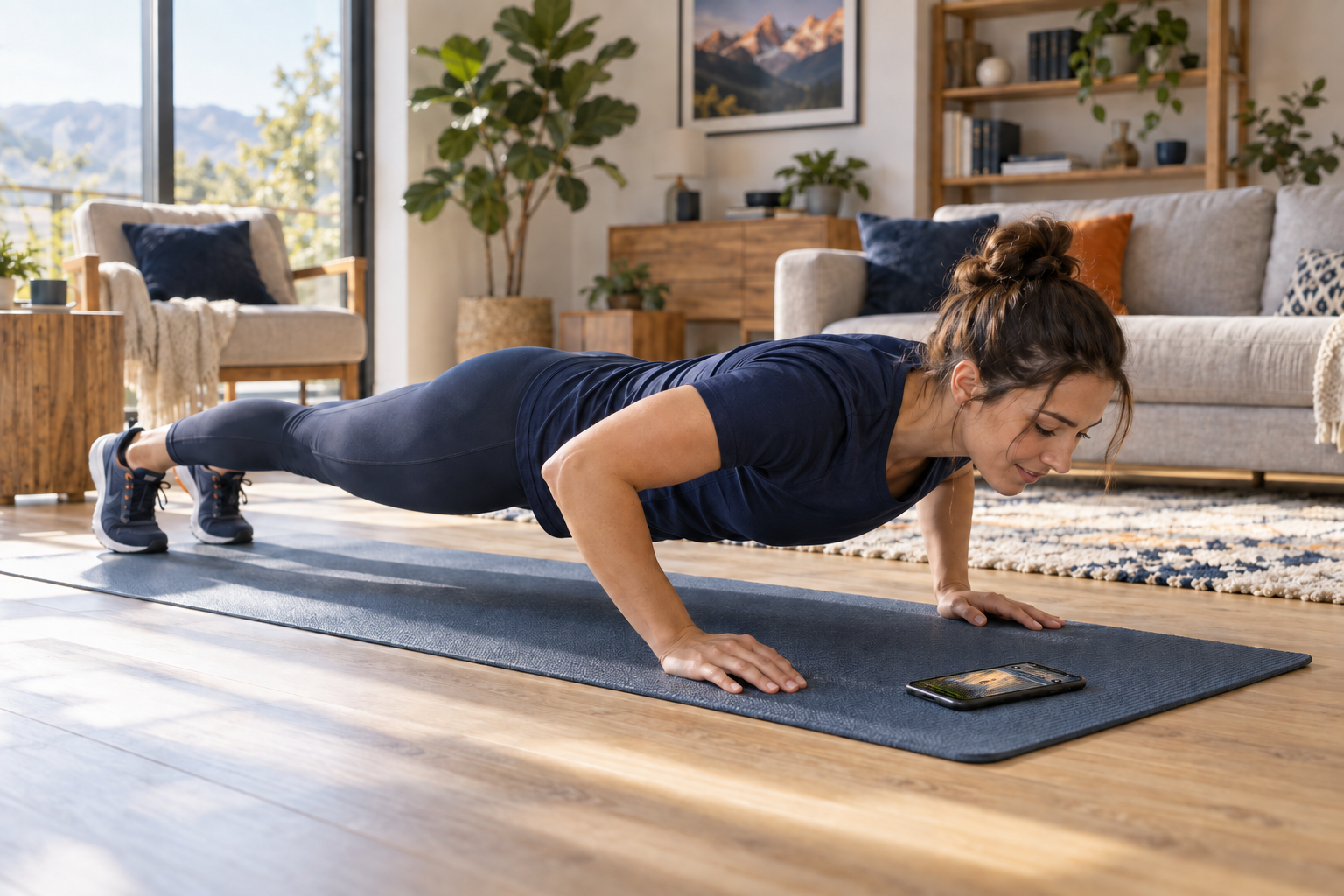
You are the controller.
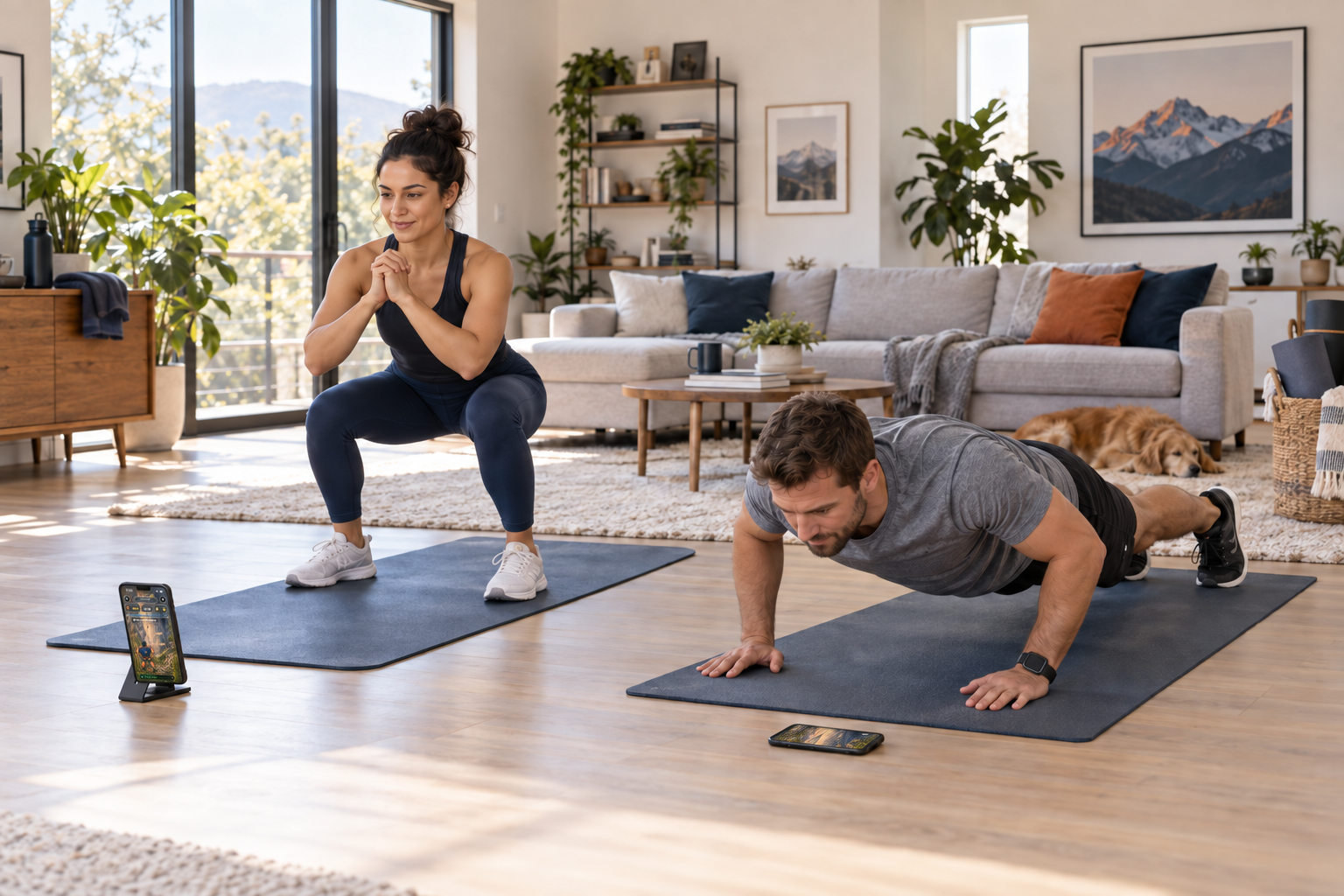
Set up your iPhone, calibrate your movement, and start your route. On-device camera analysis turns completed push-ups and squats into progress.
A fitness adventure for iPhone
Turn your push-ups and squats into a mountain adventure. Move in the real world. Climb higher in Reps & Peaks.
iPhone · iOS 17 or later · Optional Apple Watch
EVERY REP MOVES YOU FORWARD.REPS & PEAKS
Inside Reps & Peaks
Climb with push-ups. Take the trail with squats. Every completed rep moves your character toward the summit.
Actual screenshots from the current app build.
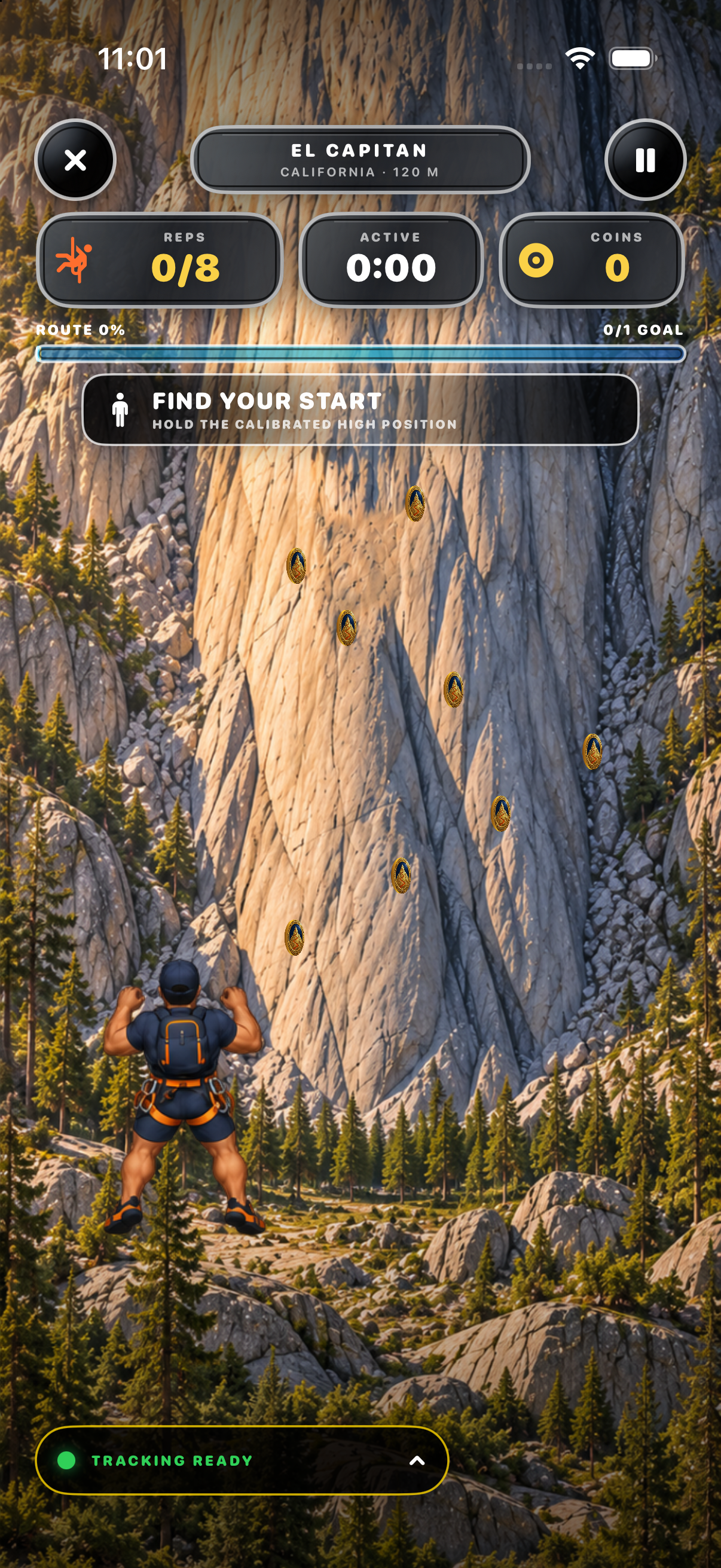
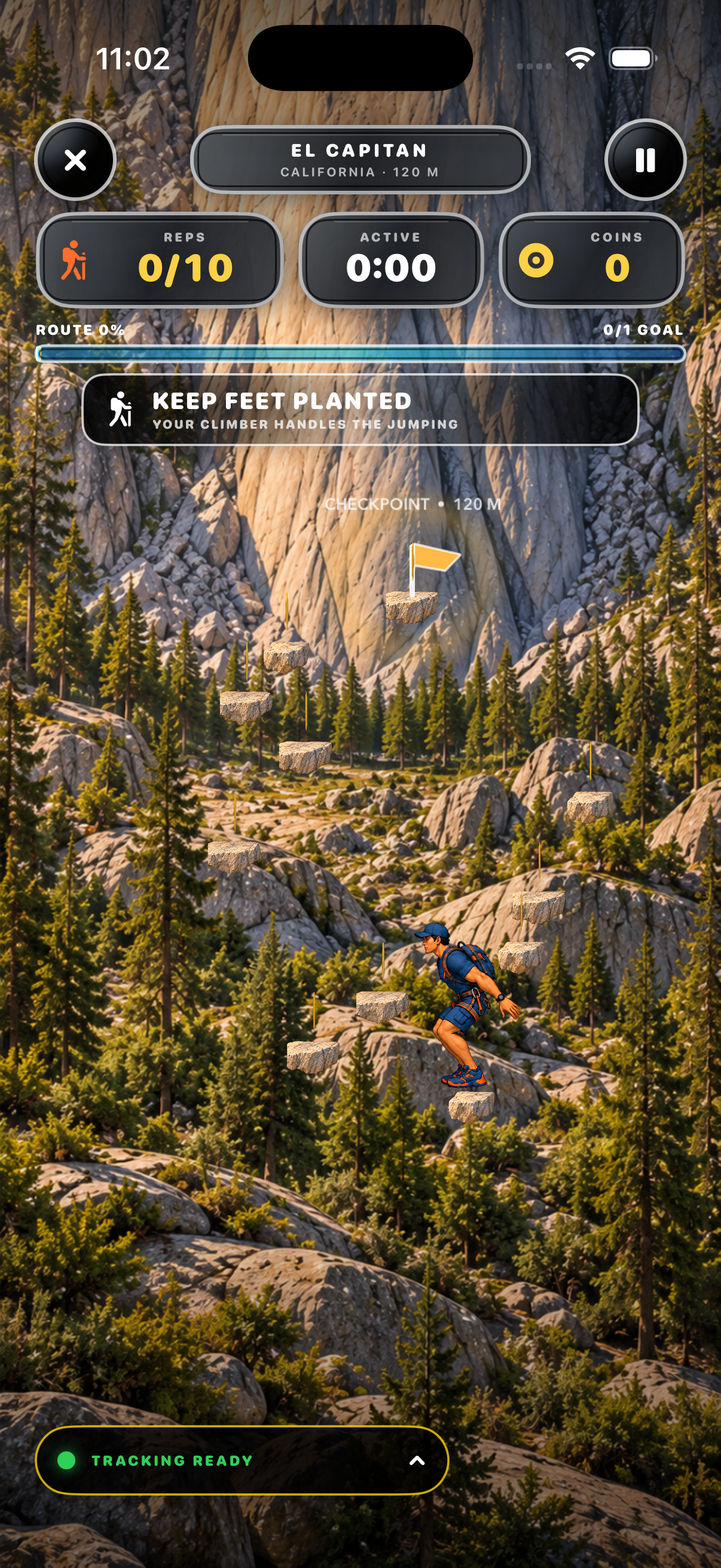
From your room to the summit
Set up your iPhone, calibrate your movement, and start your route. On-device camera analysis turns completed push-ups and squats into progress.
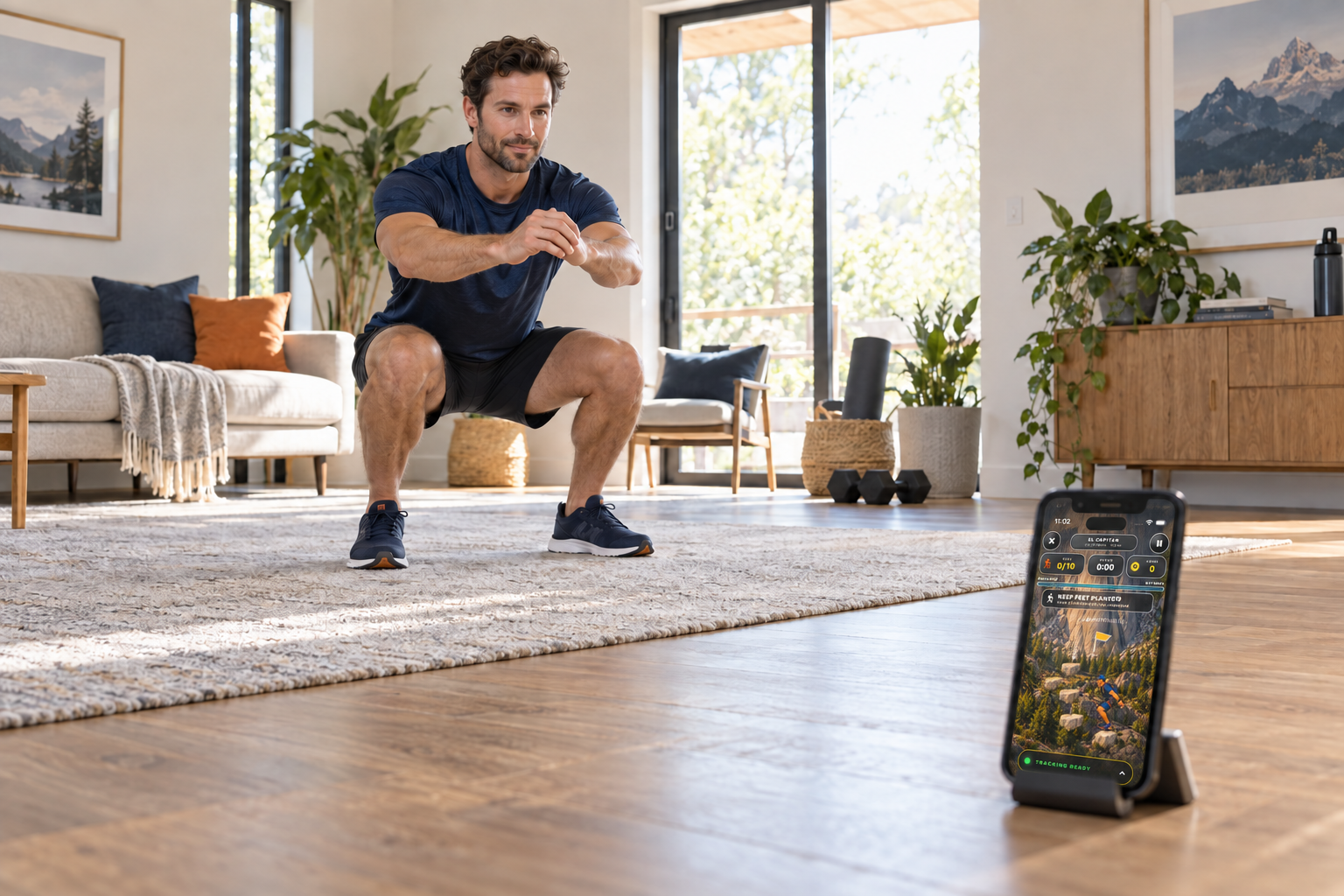
Take on mountain routes, earn stars and expedition coins, and chase your personal best. Build a steady rhythm as you work toward the summit.
Keep a local trail log of your activity and achievements. An optional Apple Watch connection adds heart-rate and active-energy feedback to your expedition.
Illustrative workout scenes. Follow the in-app guided setup for phone placement.
Here to help
Questions about the app or your privacy? Email support@repsandpeaks.com.
Testing Reps & Peaks through TestFlight? Open TestFlight, choose Reps & Peaks, and select Send Beta Feedback to contact the developer. Include your app version, iPhone model, and what happened. Please avoid sending health information or camera images.
For setup help, open Settings → Replay guided setup in the app. You can also recalibrate your movement or practice before starting a route.
Reps & Peaks provides game positioning and rep-detection feedback. It is not medical advice or professional form assessment.